Wednesday, December 3, 2008

The crack on DVD!(Part 4)

As we know, there are two directories in a DVD: VIDEO_TS(VIDEO_PS) and AUDIO_TS(AUDIO_PS). AUDIO_TS is used for DVD Audio and contains the audio files, whereas VIDEO_TS is used to store all data for the movie. AUDIO_TS is always empty and there are 3 types of files in VIDEO_TS folder:.VOB, .IFO and .BUP. BUP files are just backup files off the IFOs. As their counterparts they are not encrypted.


Previous Post: The crack on DVD!(Part 3)
Related Articles:
What's DVD?
How to rip/convert VIDEO_TS on mac!

Tuesday, December 2, 2008

The crack on DVD!(Part 3)


DVD-ROM: Read Only
DVD-R/DVD+R: Written Once
DVD-RAM/DVD-RW/DVD+RW:
Re-written multiple times.


Capacity differences of writable DVD formats:


Previous Post: The crack on DVD!(Part 2)
Next Post: The crack on DVD!(Part 4)

Monday, December 1, 2008

How to play DVD/VCD/Music videos/online videos on mac using VLC!

As so many people ask for a player on mac to play DVDs, musics, videos, online videos, i would like to introduce a powerful free player named VLC.

What's VLC and which format it supports?

Below is the step by step guide about how to process VLC on mac!

Download VLC Player!

1: Install and launch VLC!
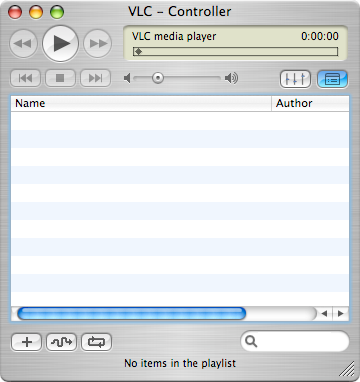


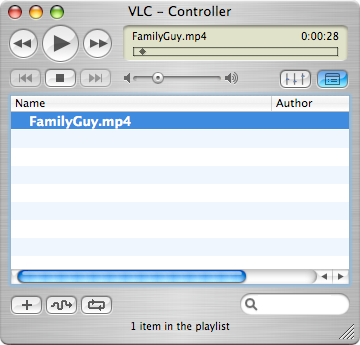
2: Click 'File' to add media souce or drag and drop the souce to the container.


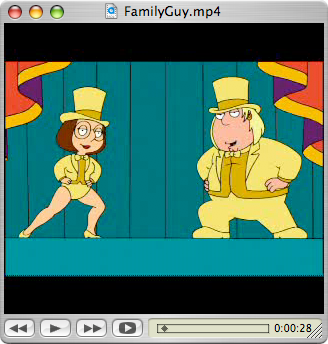
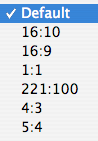
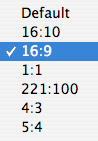
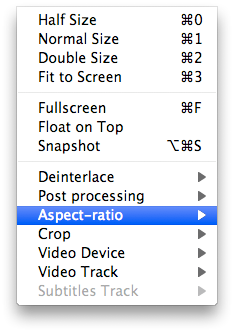
3. What's in 'Video'.


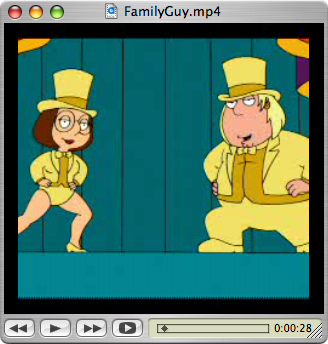
4. The effect of the changes on the 'Crop' in 'Video' setting.
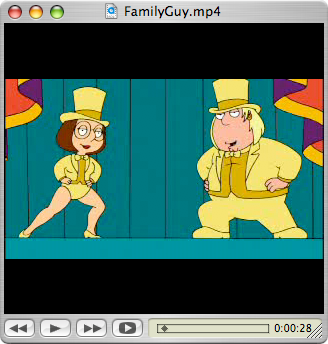


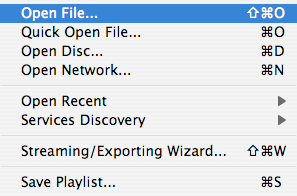
5. What's in 'File'.


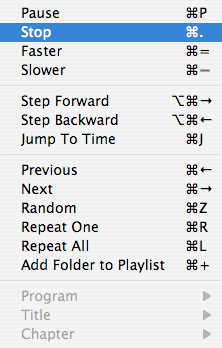
6. What's in 'Playback'.


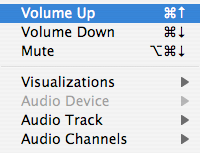
7. What's in 'Audio'.


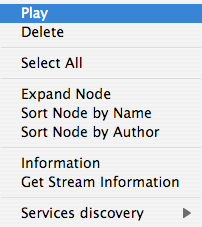
8. What's in right click on souce pop window.


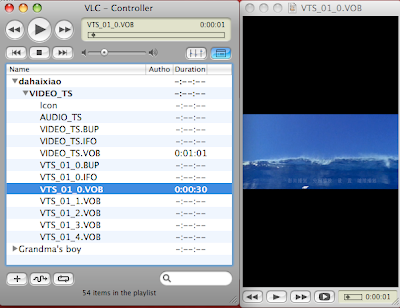
9. Open DVD source.

BTW: VLC can not play the protection DVDs, using DVD Player to enjoy.


That's all!

Related Articles:how to rip dvd ts on mac!
How to convert videos on mac using mac video converter!
How to download online videos on mac!